Meme tokens are speculative and can lose all value. Verify the full address before transacting.
New to the forest?
How to buy $MGHOOD.
Five steps to understand the purchase process. Buying is optional—everyone is welcome in the community. This site never connects to your wallet.
01
Set up your wallet
Use a compatible wallet such as MetaMask. Install it through the wallet provider’s official website, keep your recovery phrase offline, and select Robinhood Chain mainnet.
If your withdrawal provider explicitly supports Robinhood Chain, use that network to send ETH to your wallet’s receiving address. Otherwise use a supported bridge linked from the official guide. Confirm the destination is Robinhood Chain and the received asset is native ETH. Review bridge fees and keep enough ETH on the source network for its gas.
Wait for the ETH to arrive, then leave some on Robinhood Chain for transaction fees. Never send funds directly to the MGHOOD contract as a way to buy tokens.
Use the link below and compare the full MGHOOD contract address—not just its name or ticker. Connect the wallet you funded and confirm Robinhood Chain is selected.
On Pons, choose to pay with ETH and receive MGHOOD. Enter the amount you intend to spend. Check the quoted tokens, all fees, and price impact—the change in price caused by your trade. If a slippage setting is offered, understand that it controls the price movement you allow; increasing it can produce a worse execution price.
Do not spend your entire ETH balance: gas is additional. The 0% additional creator tax does not mean trading is free. Stop if the quote or fees are unclear.
05
Confirm only after checking
Review the wallet request’s network, value, gas, permissions, and warnings. Approve only if they match what you intended. If a permission request is unexpected or a transaction simulation fails, stop instead of repeatedly retrying.
Wait for confirmation and check the transaction in the explorer. If MGHOOD is not shown in your wallet, import it using the official address above, symbol MGHOOD, and 18 decimals. Importing a token only displays a balance—it does not purchase it.
Check that Pons is connected to the same wallet address you funded and that your ETH is native ETH on Robinhood Chain—not a combined portfolio balance or wrapped ETH. Allow for gas in addition to the purchase amount. If a bridge is pending, wait for completion. Do not send more money until you understand the mismatch.
My purchase is pending or I cannot see my tokens.+
Check the transaction hash in the explorer before submitting another purchase. A successful transaction and a missing wallet display are different issues. Anyone offering help should never ask for your recovery phrase or private key.
Meme tokens can lose all value. Liquidity and the ability to sell are not guaranteed. Bridges and smart contracts carry risks, and transactions may be irreversible. This is an informational guide, not a recommendation to invest. Follow applicable laws and platform eligibility rules.
The Sheriff raised the toll. We found another path.
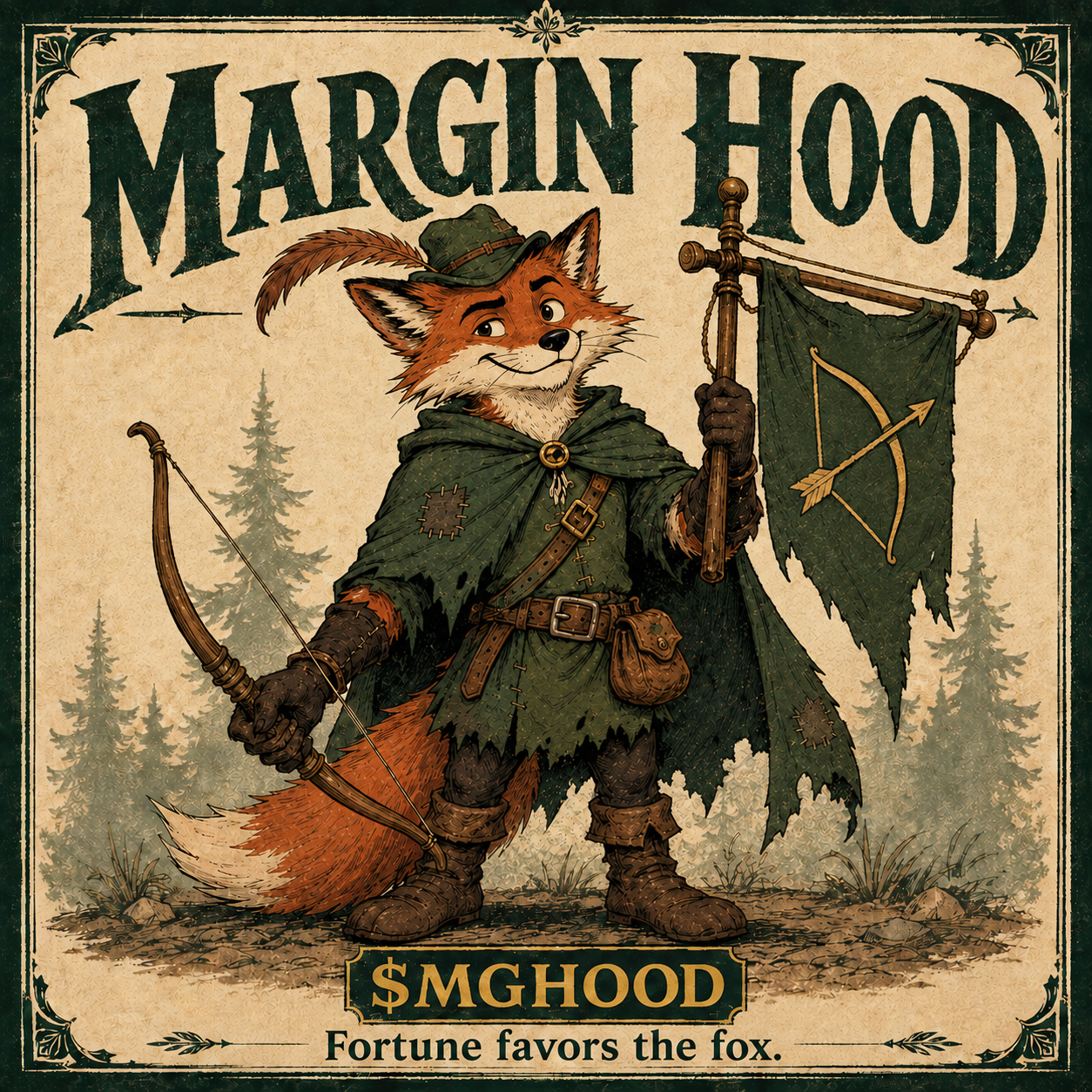
Margin Hood is a finance folktale for the rest of us. A resourceful fox, a loyal crew, and a healthy suspicion of very long fee schedules. Here, clever thinking and a good laugh go a long way.
Yes. Margin Hood launched through Pons V2 on Robinhood Chain mainnet on September 5, 2026. Use the exact mainnet address and Pons link on this site.
Is Margin Hood affiliated with Robinhood?+
No. Margin Hood is an independent finance-satire project inspired by woodland folklore. It is not affiliated with, sponsored by, or endorsed by Robinhood. Launching on Robinhood Chain does not itself list MGHOOD in the Robinhood trading app.
What is the mainnet supply?+
The deployed token has a launch supply of 1,000,000,000 MGHOOD and 18 decimals, checked directly on Robinhood Chain. Pons V2 mints the launch supply to a bonding curve. Check the explorer for current supply and holdings.